首页 > 资源中心 > FAQ
 1、 文档目标
解决 ActiveRoute failed to complete any routing 报错问题。
2、 问题场景
用户在使用 ActiveRoute 进行轨迹布线,出现 Error 报错提示。
{
ActiveRoute.InformationMessageException: ActiveRoute failed to complete any routing.
在 ActiveRoute.ActiveRouterCore.FinallizeInternal()
在 ActiveRoute.ActiveRouterCore.Finallize()
在 ActiveRoute.ActiveRouterCore.<Run>b__35_0()
在 ActiveRoute.Utils.<>c__DisplayClass22_0.<ExceptionBarrier>b__0()
在 ActiveRoute.Utils.ExceptionBarrier(Func`1 action, Boolean suppressException)
}
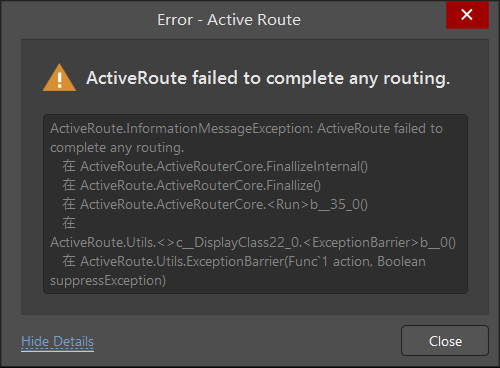
图 1
3、软硬件环境
1)、软件版本:Altium Designer 23.11.1
2)、电脑环境:Windows 11
3)、外设硬件:无
4、解决方法
修改PCB文件的名称为纯英文模式就可以了,文件路径是中文没有影响。
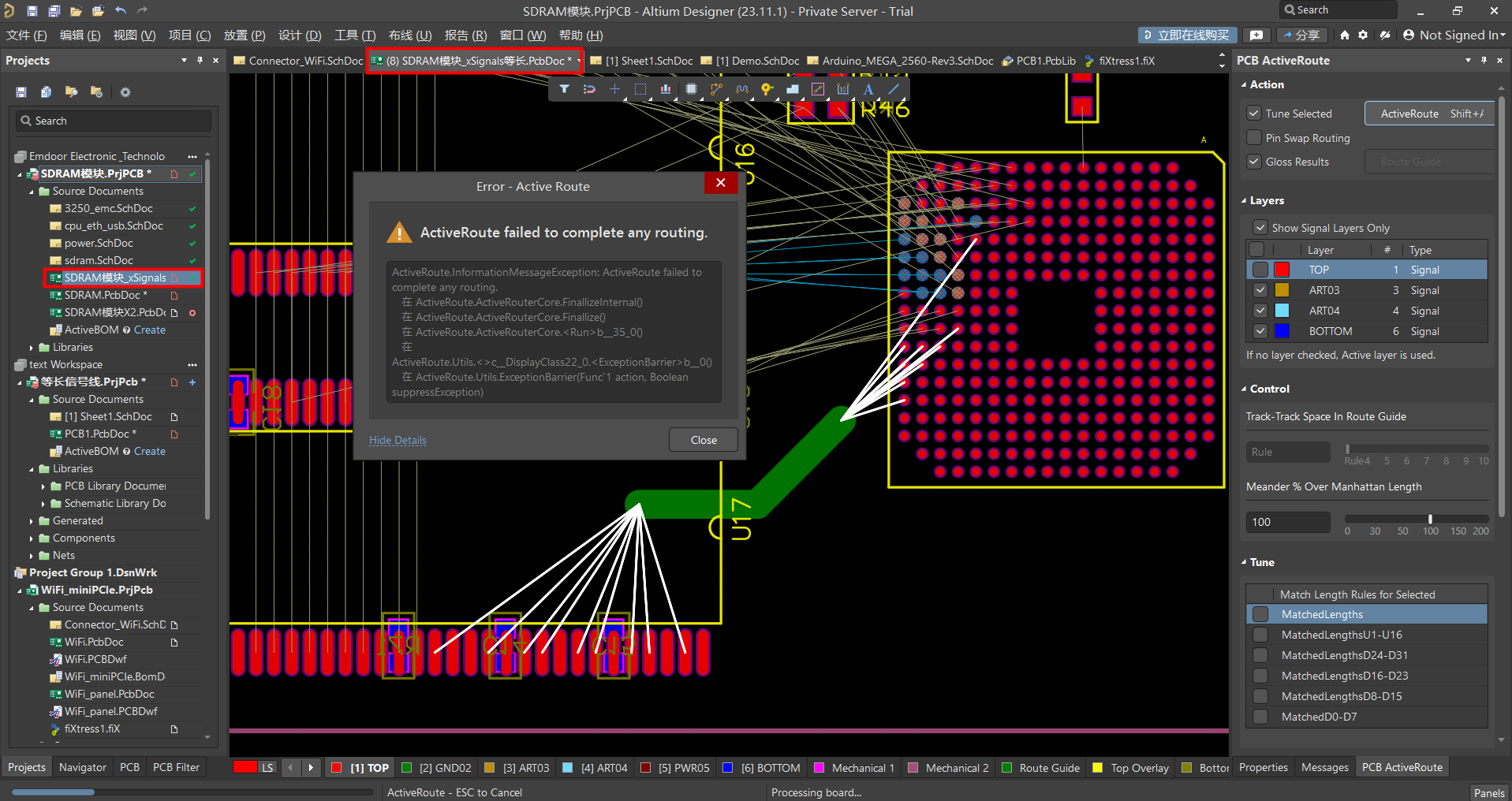
图2
此时 ActiveRoute 工具即可正常使用。
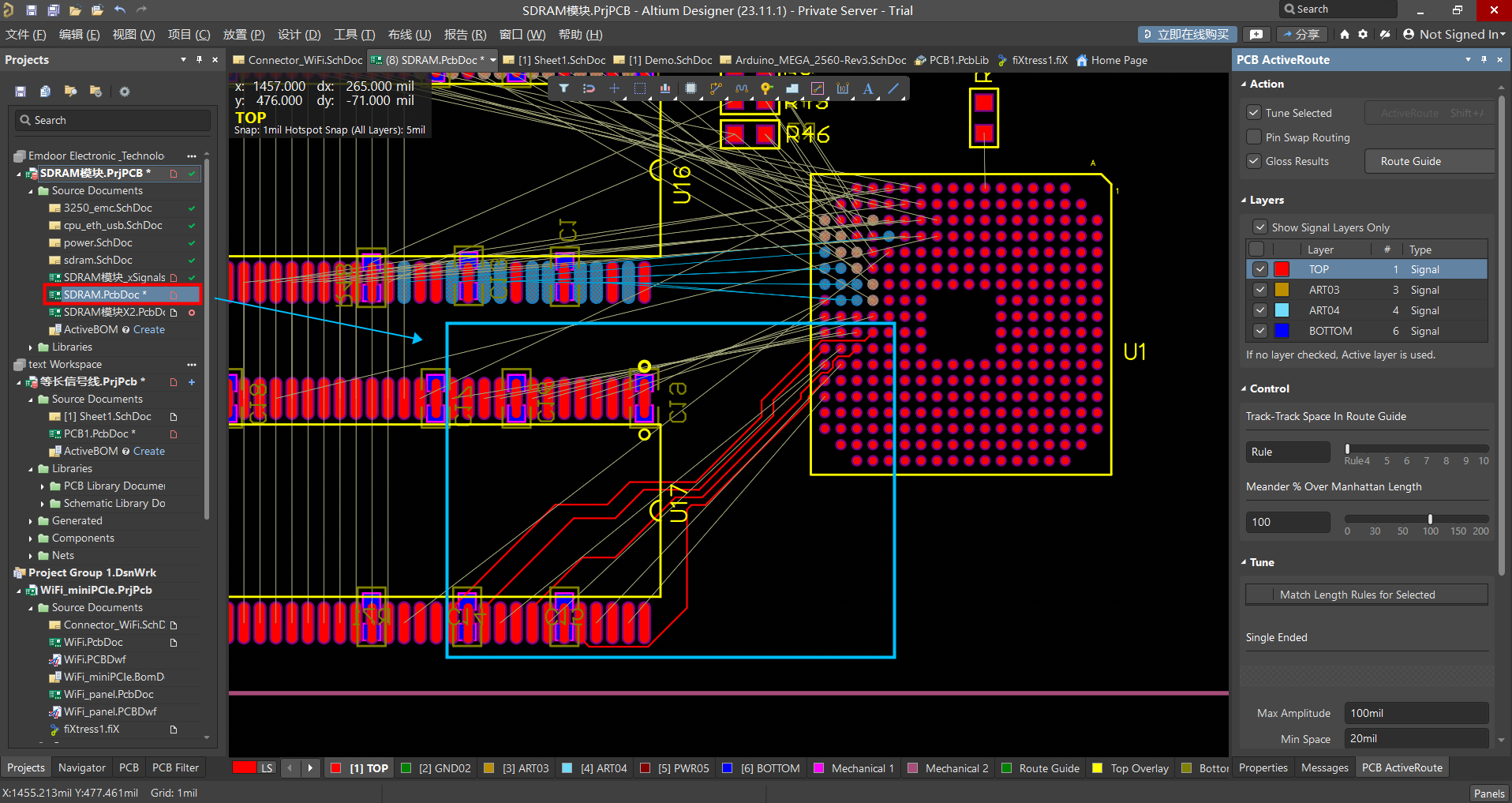
图 2
检查上述两个地方的中文情况,进行修改,即可解决该 Error 报错。